Tomb Raider III: Adventures of Lara Croft
1998 · Core Design · Tomb Raider · English
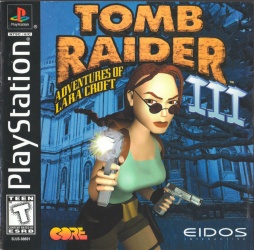
You venture across the globe, from urban jungles to remote islands, using Lara Croft's agility and arsenal to solve environmental puzzles, outwit dangerous adversaries, and uncover the secrets of ancient artifacts linked to a dark past.
- Console
- PS
- Year
- 1998
- Developer
- Core Design
- Series
- Tomb Raider
- Language
- English
Controls
Navigate Lara Croft through diverse environments using the D-pad for movement. The action buttons allow for jumping, ducking, drawing weapons, firing, and interacting with objects. Shoulder buttons can be used to cycle through weapons or control camera angles, facilitating precise platforming and combat encounters.
- D-Pad
Move Lara / Aim
- X Button
Jump
- Square Button
Duck / Roll
- Circle Button
Action (Grab, Use Item, Open Door)
- Triangle Button
Draw/Holster Weapon
- R1 Button
Fire Weapon
- L1 Button
Run / Sprint
- R2 Button
Cycle Weapon (Next)
- L2 Button
Cycle Weapon (Previous)
- Start Button
Pause / Inventory
Comments
Sign in to post a comment.Sign in →
Loading comments…